
FAQ: tolino flip
To a limited extent. After pairing your Bluetooth audio device and starting your audiobook, you can fast-forward 30 seconds within the chapter with the larger button and rewind 30 seconds with the smaller button.
Yes, multiple devices—such as a Bluetooth audio device—can be paired simultaneously.
No. Once you have opened an eBook on your tolino eReader, you can simply activate the tolino flip remote control by double-clicking the large round button. If you do not use the tolino flip remote control for approximately 15 minutes, the Bluetooth connection will automatically turn off until the next use.
Yes. Your tolino flip remote control fully supports right-to-left reading mode, as commonly used for manga.
- Activate pairing mode on your tolino flip remote control by pressing and holding the Bluetooth button, located along the top edge, for 3 seconds. A fast blinking blue light on the back of the tolino flip remote will indicate that it is in pairing mode.
- Enable Bluetooth on your tolino eReader. From the home screen, open the “More” menu and select “Settings.” In this menu, you will find the “Bluetooth” option. Tap the circular icon next to “Bluetooth” to turn it on. If the tolino flip remote control does not appear in the device list, ensure that its pairing mode is still active and reactivate it if necessary. Once your tolino eReader displays “Connected,” the connection has been established and the blue light on the back of the tolino flip remote will stop blinking.
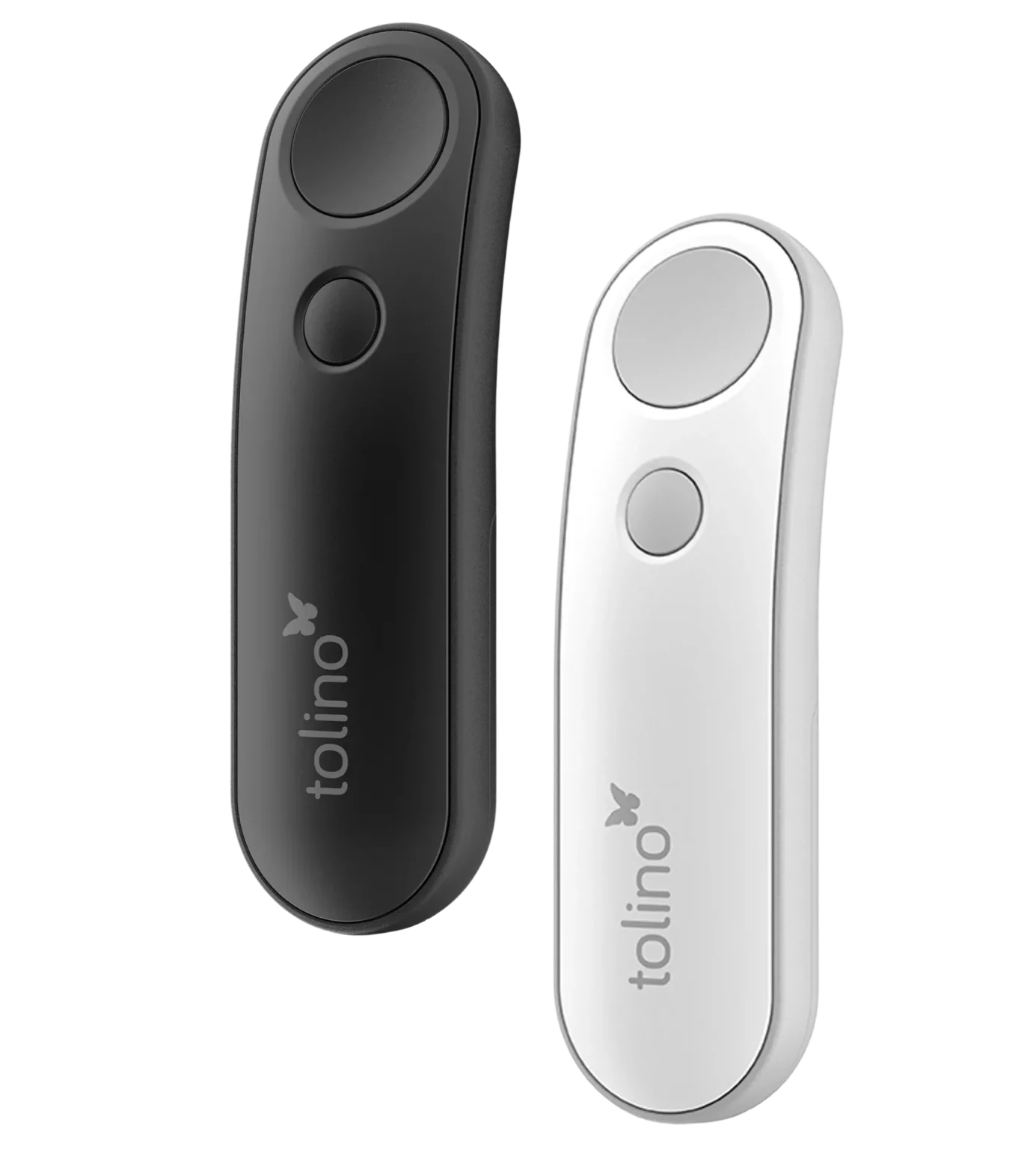
The tolino flip remote control is designed for intuitive use. It has two buttons on the front. Use the larger button to page forward in your eBook and the smaller button to page backward.
The tolino flip remote control is powered by a standard AAA battery, providing months of operation without the need for replacement.
The battery compartment of your tolino flip remote control is located on the back of the device. Slide the battery compartment cover downward to open it. You can then replace the battery.
tolino flip is designed to be available for pairing at all times. Similar to TV remotes there’s no need to power off the device.
The tolino flip remote control is available in black and white.
tolino flip is a Bluetooth remote control for your tolino eReader. With this remote, you can conveniently and wirelessly turn pages forward and backward in your eBook.
For initial activation, please remove the pull tab labeled “Open and get started!” located at the bottom of the tolino flip remote control.
The tolino flip remote control is compatible with all new-generation tolino eReaders. Specifically, these models:
- tolino shine 5th generation
- tolino shine color
tolino color