
Your stories. Your family.
One library.
The best stories are the ones you share. With tolino Family Sharing, you can connect with your loved ones.
Easily and legally share the eBooks and audiobooks you’ve purchased with up to five family members. Create a shared library full of discoveries.
In three steps to the joy of reading together
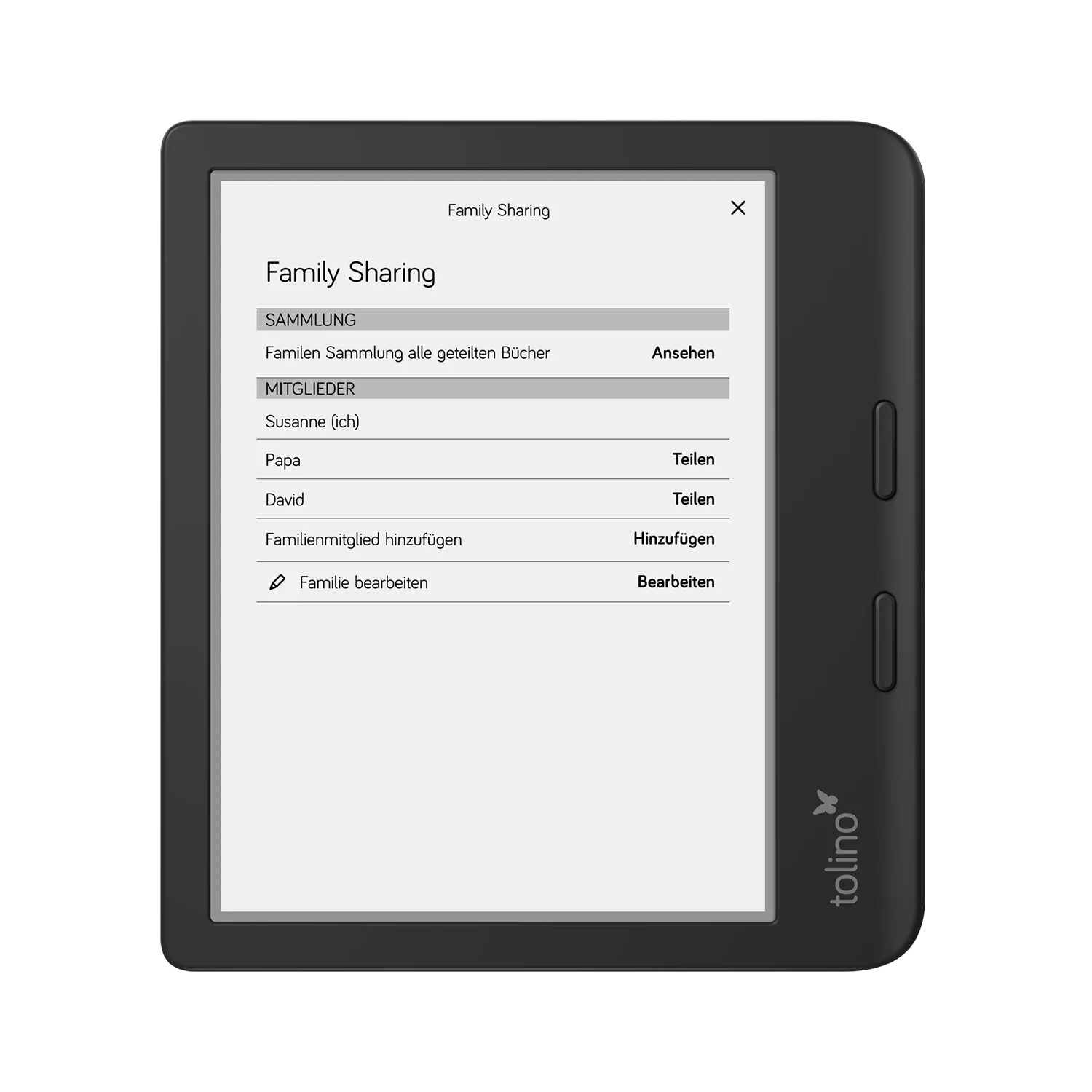
Step 1: Start a family & invite specific people
Set up your reading family in just a few clicks and invite up to five additional members. Only the people you add to your family will have access to the shared content. Click the Family Sharing logo in the upper-right corner of your eReader and follow the step-by-step instructions.
Step 2: Select a title & share
Go to your library and choose specifically which eBooks and audiobooks you want to share—and with whom. With a single tap, you can share titles exclusively with the person you’ve selected. Other family members won’t see this content unless you share it with them as well.
Step 3: Read and Discover Together
Invited members will see only the titles you have individually shared with them and can read them immediately on their tolino devices. This way, you always have control over who in your family can access which books.
More than just shared books
Save money. Buy the latest bestseller, that thrilling mystery, or that enchanting children’s book just once, and the whole family can read it.
Do you and your partner want to start reading the same thriller at the same time?
No problem! With Family Sharing, everyone can read the shared book at the same time on their own device.
Browse through the books your family members have shared and find inspiration for new authors and genres. This turns reading into a shared experience.
Each member keeps their own account. Your reading progress, notes, and the books you don’t share will always remain private. Only the titles you actively share will be visible to others.
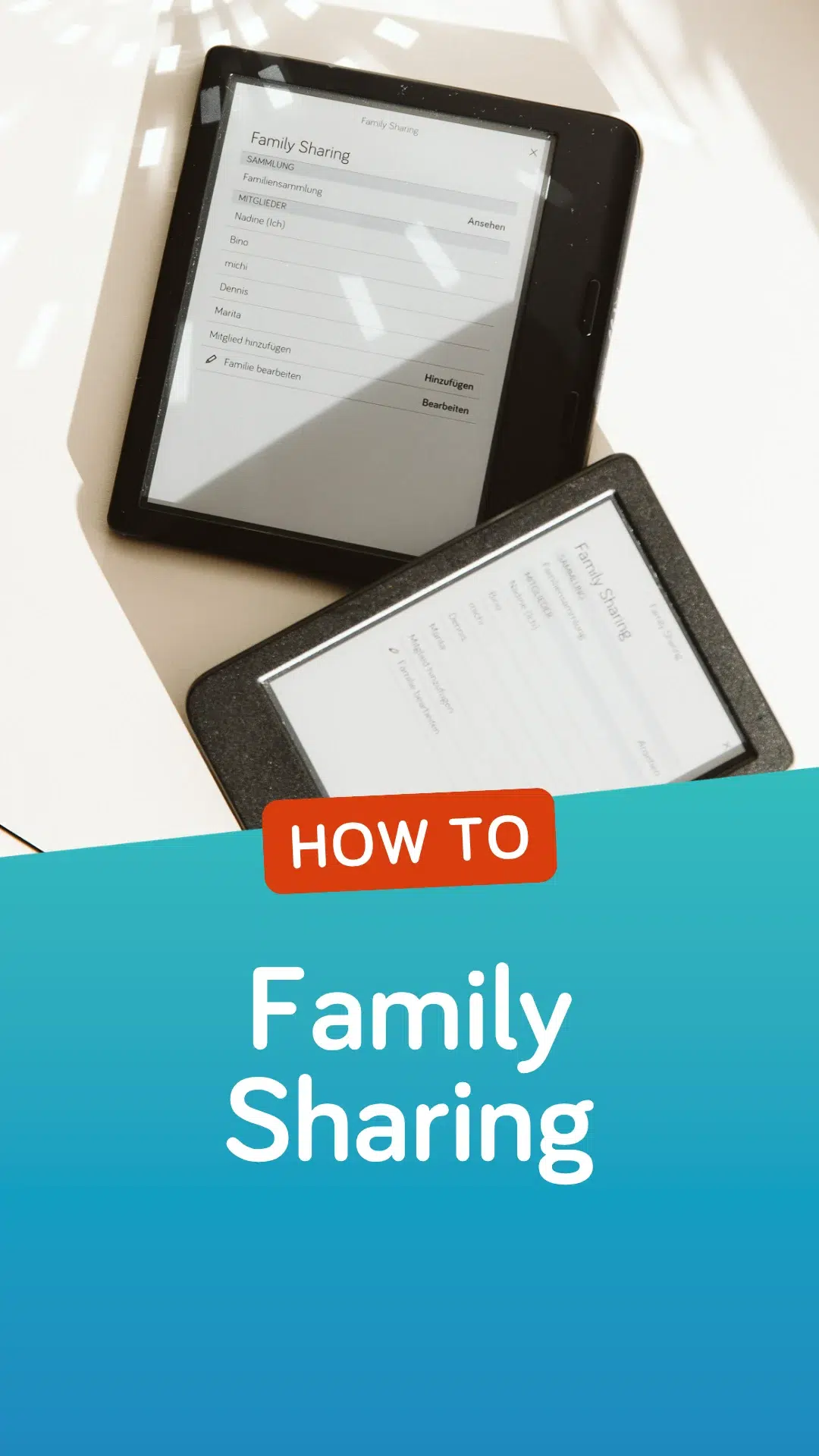
Everything you need to know
Do you have any other questions about using tolino Family Sharing?
Here, we answer the most frequently asked questions.
Tap the family icon or open the option “My family” via the menu. There you will find a direct link to your family collection, which contains all the books that have been shared with you.
If you also use the tolino app or the tolino webreader for reading in addition to your eReader, you can share audiobooks in these applications as well.
You can see this in the detailed information for each title. Press and hold the cover of the book and select the option “Book info”. You can now see which family member has access to this book.
If you also use the tolino app or the tolino webreader for reading in addition to your eReader, you can share audiobooks in these applications as well.
To share a book with another family member, the publisher or author must have approved sharing for that title. We are in constant contact with publishers to expand the selection for you.
If you also use the tolino app or the tolino webreader for reading in addition to your eReader, you can share audiobooks in these applications as well.
There are two different ways to share a book.
To share a book, you must be a member of a family, and the publisher must have granted the right to share the book you want to share.
To share a book, press and hold the cover of the book. If the book can be shared, you will see the option “Share” in the menu. Select this menu item and then decide which of your family members you want to share the book with.
You will find the other way to share a book in the “My family” area. You can open this page via the “Family Sharing” button on the home page. There you will see all members of your family. Select a family member and then decide which book from your collection you want to share with them.
If you also use the tolino app or the tolino webreader for reading in addition to your eReader, you can share audiobooks in these applications as well.
You can find a detailed video guide to Family Sharing here
You will find the option to leave the family in the menu next to your name in your family's home area. Please note that you can only change family once every 12 months. In addition, all books that have been shared with you will be deleted from your library once you leave the family. Likewise, the books you have shared with your family members will no longer be available to them.
A nickname is required so that your family members can recognise you by this name.
To change your nickname, open the “My family” page. Tap the “Edit” button there. Next to your nickname you will find the option “Change name”.
A nickname is a name you can choose freely. Ideally, choose a nickname by which your family members can recognise you.
In your family's home area, you can remove someone from the family via the menu next to the family member's name.
You can find an overview of your family in your family's home area. You can reach it either via the icon on the home screen or in the menu under “My accounts” -> “My family”.
Ready to share stories?
Family Sharing is just one of the many benefits offered by the open tolino system. Discover the perfect eReaders for every member of your family today and start building your shared library.