
Your stories. Your family.
One library.
The best stories are the ones you share. With tolino Family Sharing, you can connect with your loved ones.
Easily and legally share the eBooks and audiobooks you’ve purchased with up to five family members. Create a shared library full of discoveries.
In three steps to the joy of reading together
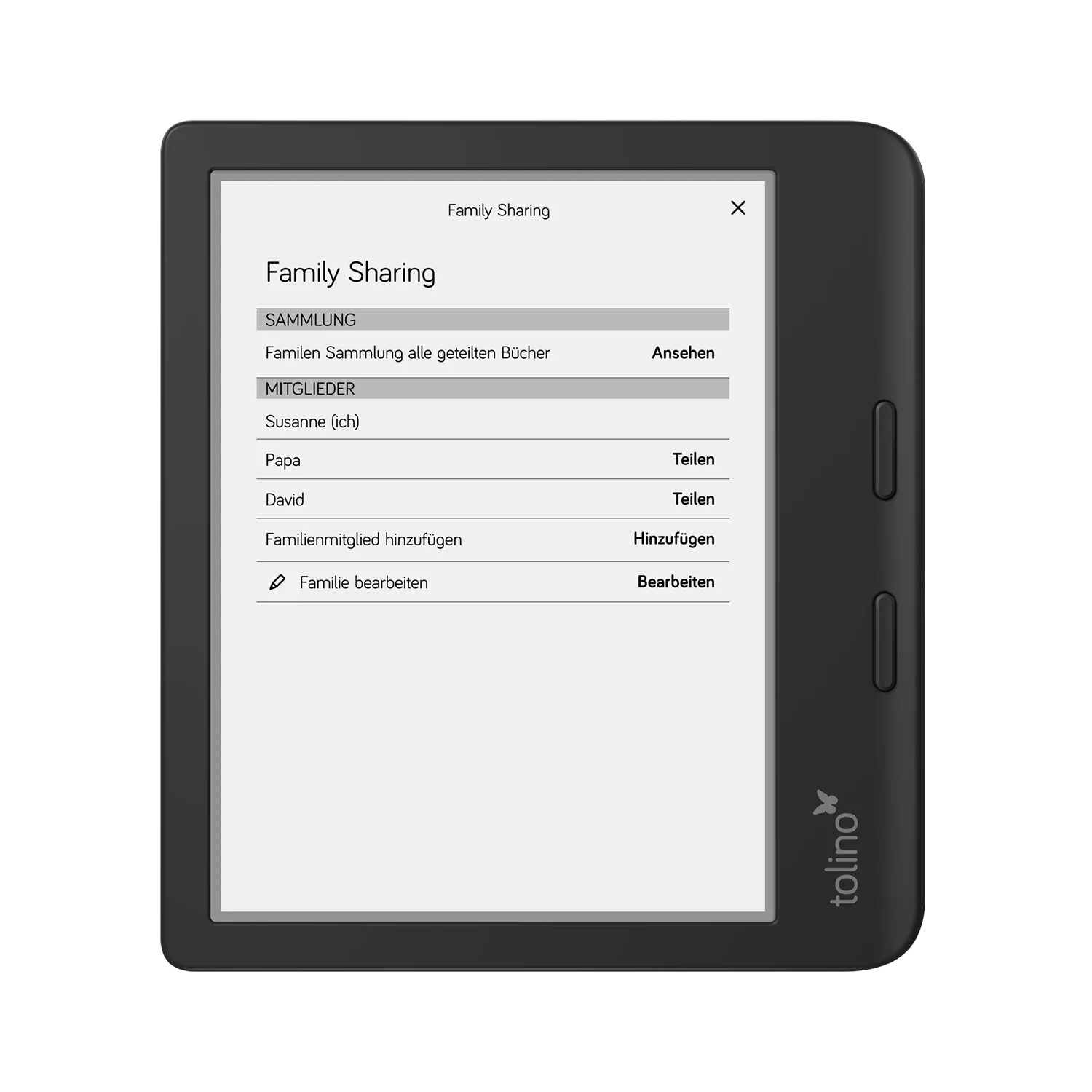
Step 1: Start a family & invite specific people
Set up your reading family in just a few clicks and invite up to five additional members. Only the people you add to your family will have access to the shared content. Click the Family Sharing logo in the upper-right corner of your eReader and follow the step-by-step instructions.
Step 2: Select a title & share
Go to your library and choose specifically which eBooks and audiobooks you want to share—and with whom. With a single tap, you can share titles exclusively with the person you’ve selected. Other family members won’t see this content unless you share it with them as well.
Step 3: Read and Discover Together
Invited members will see only the titles you have individually shared with them and can read them immediately on their tolino devices. This way, you always have control over who in your family can access which books.
More than just shared books
Save money. Buy the latest bestseller, that thrilling mystery, or that enchanting children’s book just once, and the whole family can read it.
Do you and your partner want to start reading the same thriller at the same time?
No problem! With Family Sharing, everyone can read the shared book at the same time on their own device.
Browse through the books your family members have shared and find inspiration for new authors and genres. This turns reading into a shared experience.
Each member keeps their own account. Your reading progress, notes, and the books you don’t share will always remain private. Only the titles you actively share will be visible to others.
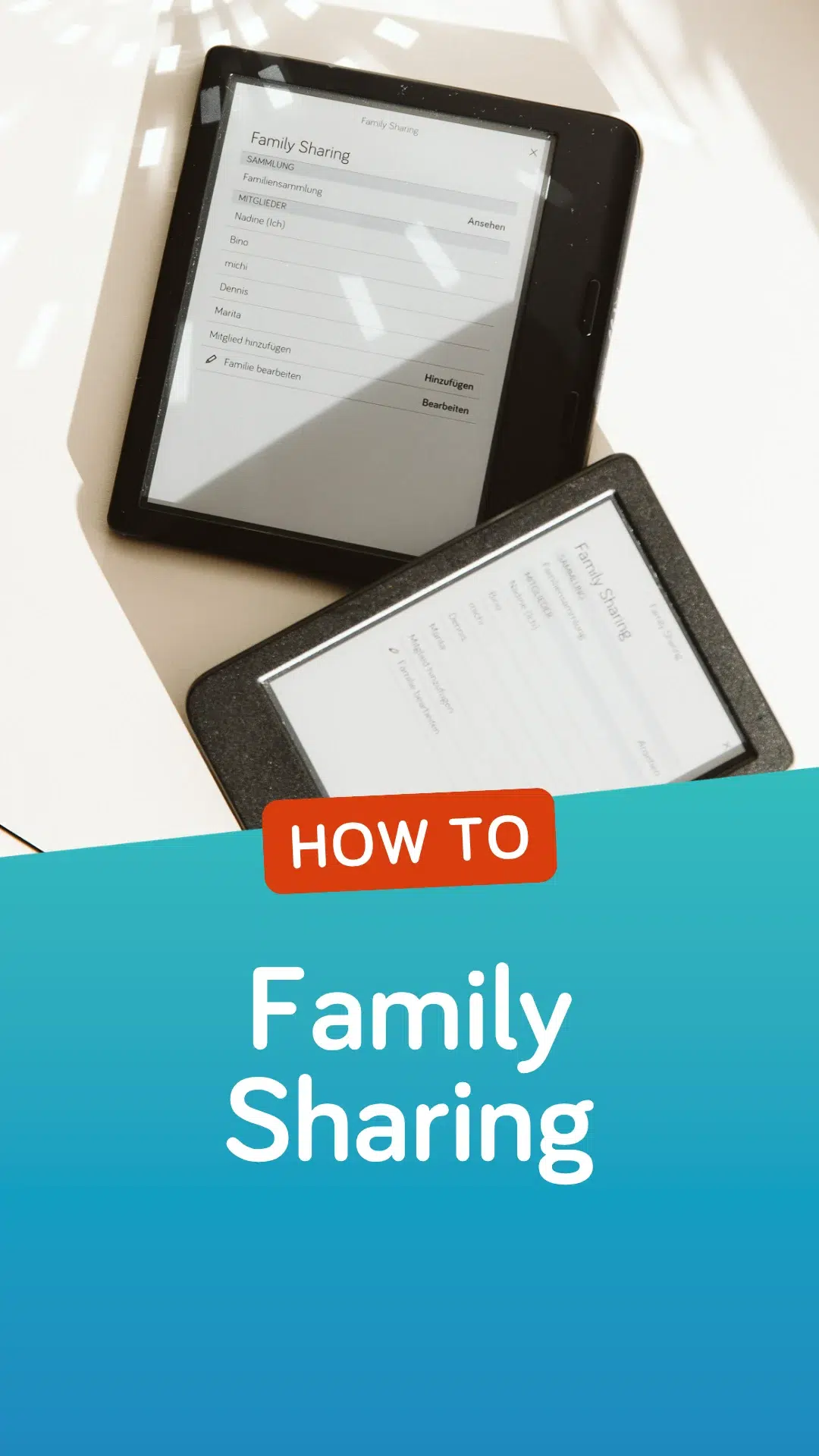
Everything you need to know
Do you have any other questions about using tolino Family Sharing?
Here, we answer the most frequently asked questions.
If you have already created a family, you can add further members via your family's home area. Your family can have a maximum of six members in total.
You can find a detailed video guide to Family Sharing here
To create a family, you must be logged in on your device (eReader, iOS app, Android app or webreader). Go to your family's home area and follow the instructions.
When you start the process, you first choose a name by which your family members will recognise you. You then hand your device to the person you want to invite to your family. The invited person selects their bookseller and enters their login details. This step is necessary to link the two accounts. The invited person also chooses a name. The device can then be handed back to you and you can share the first book with your family member.
You can find a detailed video guide to Family Sharing here
Family Sharing can be used on the eReader, in the tolino app for iOS and Android, and in the tolino webreader. Please make sure that your eReader and your app are running the latest software version.
Note: Installing the Android app with the Family Sharing feature requires Android 7 or later. If you use a device with an older operating system version, books or audiobooks that have been shared with you will still be shown in your library. To start or manage a family and to share books yourself, please use the tolino webreader or an eReader. If you also use the tolino app or the tolino webreader for reading in addition to your eReader, you can share audiobooks in these applications as well.
Yes, accounts with different booksellers can also be linked to form a family.
A family consists of a maximum of 6 members.
Only people who live in the same household may be members of a family.
With Family Sharing, you can share purchased eBooks within your family. You decide which book you want to share with which family member. Family Sharing also allows several family members to read the same book at the same time. As each family member still has their own account, their own reading progress and notes are saved separately.
If you also use the tolino app or the tolino webreader for reading in addition to your eReader, you can share audiobooks in these applications as well.
A family consists of a maximum of 6 members. Accounts with different booksellers within the tolino alliance can also be linked. The family members must live in the same household. You may only change family once within 12 months.
Family Sharing lets you link the accounts of different family members and share content with each other.
The family members must live in the same household. You may only change family once within 12 months. A family consists of a maximum of 6 members. Accounts with different booksellers within the tolino alliance can also be linked.
Ready to share stories?
Family Sharing is just one of the many benefits offered by the open tolino system. Discover the perfect eReaders for every member of your family today and start building your shared library.